“Vote for me” — and your Telegram could end up in scammers’ hands
5 steps to protect your account
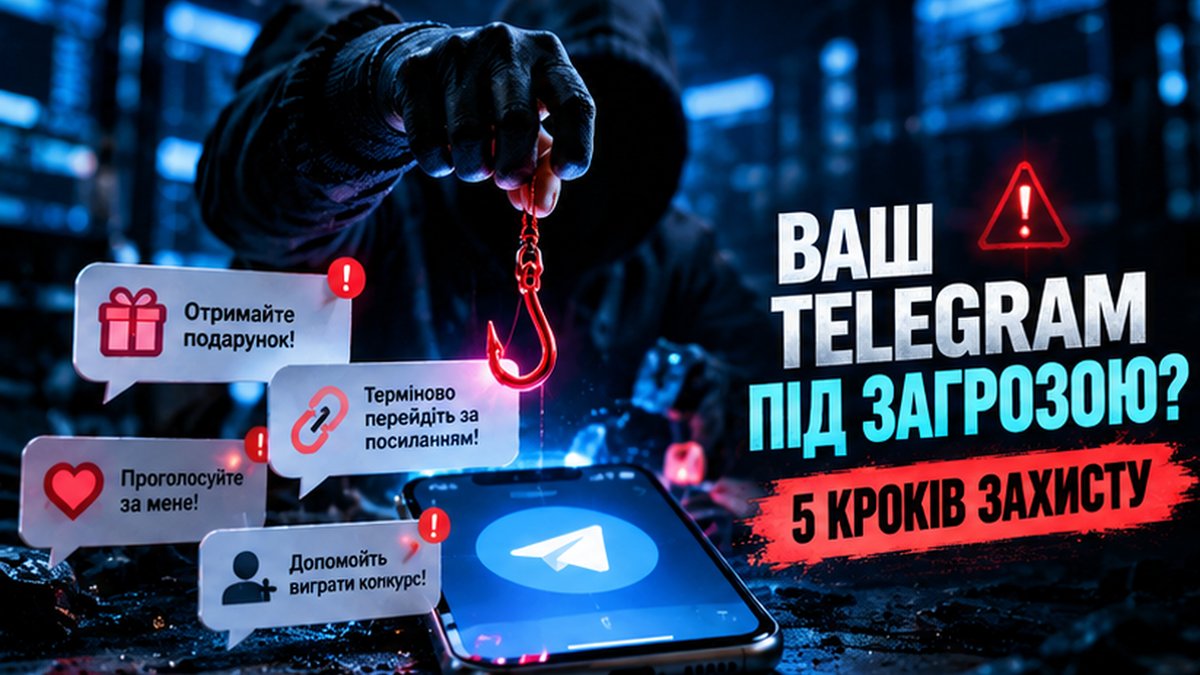
One message from an acquaintance, one suspicious link — and your personal account can become a tool in the hands of scammers. The Center for Countering Disinformation under Ukraine’s National Security and Defense Council warns of the danger of phishing attacks and recommends that every Telegram user check five key security settings.
“Vote for my child,” “Help me win a contest,” “Claim your gift,” “Urgently confirm your information” — messages like these appear every day in Ukrainians’ private chats.
And the most dangerous part is that they may come not from strangers but from friends, colleagues, comrades-in-arms or family members whose accounts have already been compromised.
How does the scam work?
Attackers use social engineering — psychological techniques designed to make a person take a certain action.
First a pretext is created: helping a child, supporting a charity initiative, voting for an acquaintance or receiving a reward.
After following the link, the user may land on a fake website that imitates the real Telegram login page.
If the person enters a phone number, a verification code or other login details there, scammers can obtain that information.
Important: simply following a link does not mean an automatic compromise. It is especially dangerous to enter your credentials on a fake page or to confirm a login you did not initiate.
Once they gain access to an account, attackers can send messages in your name, extort money, harvest personal data and spread disinformation.
Five steps to protect Telegram
The Center for Countering Disinformation under Ukraine’s National Security and Defense Council has published five practical recommendations that every user should follow.
1. Turn on two-step verification
This is one of the most important protection mechanisms for your account.
Open Settings → Privacy and Security → Two-Step Verification.
Create an additional strong password that will be required when signing in from a new device. Also add an email address for access recovery.
Even if scammers obtain the one-time login code, the additional password will create one more barrier on the way to your account.
2. Limit access to your personal information
Do strangers really need to see your phone number, profile photo or the time of your last activity?
Go to Settings → Privacy and Security and review the relevant settings.
If necessary, restrict the visibility of your information to outside users.
This will reduce the amount of personal data that can be used for fraud, information gathering or targeted attacks.
3. Control invitations to groups and channels
Not every group you are added to is safe.
In the privacy settings, find the options for invitations to groups and channels.
Choose who can add you and check the list of exceptions.
Administrators of large communities, volunteer initiatives and information channels should be especially careful.
4. Check your active sessions
Your Telegram may be logged in on several devices at the same time.
Open Settings → Devices.
Review the list of active connections. If you see an unfamiliar device or a session that is not yours, terminate it immediately.
It is also worth disconnecting old devices you no longer use.
Checking your sessions regularly helps you spot unauthorized access in time.
5. Set a Telegram passcode lock
Even physical access to your phone by an outsider can put your private messages at risk.
Turn on Settings → Privacy and Security → Passcode Lock and set up automatic locking of the app.
This will add an extra layer of protection for your correspondence.
Section names may differ slightly depending on the device and the Telegram version.
What should you do if you have already followed a suspicious link?
First of all, do not enter verification codes or passwords on third-party sites.
If you have already handed over your login details or noticed suspicious activity:
- Check your active sessions and terminate all unknown connections.
- Set or change your two-step verification password.
- Warn your contacts if fraudulent messages may have been sent in your name.
- If you have lost access to your account, follow Telegram’s official instructions for recovering it.
- If scammers have learned your banking details or you have transferred money, contact your bank immediately.
Why is this especially important for the veteran community?
Today Telegram is used to coordinate veteran organizations, charitable foundations, volunteer initiatives and educational programs, and for communication among veterans, their families and partners.
The compromise of a single account can endanger not only its owner’s private correspondence but also the trust of other members of the community.
That is why digital security is not only a matter of technology. It is a matter of responsibility to the people who trust us.
Our appeal is simple: check the settings of your own Telegram today. Help your parents, friends, comrades-in-arms and colleagues do the same.
Do not trust a message just because it came from someone you know. If a request looks unusual, verify it through another channel.
Remember: attackers often do not need to break through complex security systems — it is enough to persuade a person to hand over the key to their own account.
Take care of yourselves, your data and the digital security of our community.
Original source
Center for Countering Disinformation under Ukraine’s National Security and Defense Council, “5 steps for security in Telegram,” October 20, 2026.
https://cpd.gov.ua/international-direction/ssha/5-krokiv/
The material for publication was prepared by Artem Honcharenko, PhD — Ukrainian scholar, manager, IT expert and expert in digital transformation, veterans policy, education and human capital development, environmental and climate security, technological innovation and the postwar reconstruction of Ukraine.
He works at the intersection of science, education, technology, government, business and civil society. He develops cross-sector ecosystems in which knowledge and research are transformed into educational programs, digital products, international partnerships, humanitarian solutions, new professional opportunities for veterans and tools for Ukraine’s sustainable recovery.