Smart LMS: a learning platform that can have any number of schools
Today SmartGT announces the official release of Smart LMS, its own platform for online learning. It is already running at lms.sgt.com.ua, where you can open two demo schools, take a lesson and complete a test.
Official release. Developed by SmartGT in cooperation with PATProfi as part of the AI Incubator of the Veterans Cluster of Ukraine.
Today SmartGT announces the official release of Smart LMS — its own platform for online learning. It is already running at lms.sgt.com.ua: there you can open two demo schools, take a lesson and complete a test.
The platform was created together with PATProfi. It is part of a collaboration within the AI Incubator of the Veterans Cluster of Ukraine, where SmartGT is the technology partner and PATProfi is the partner for work with the business and IT community.
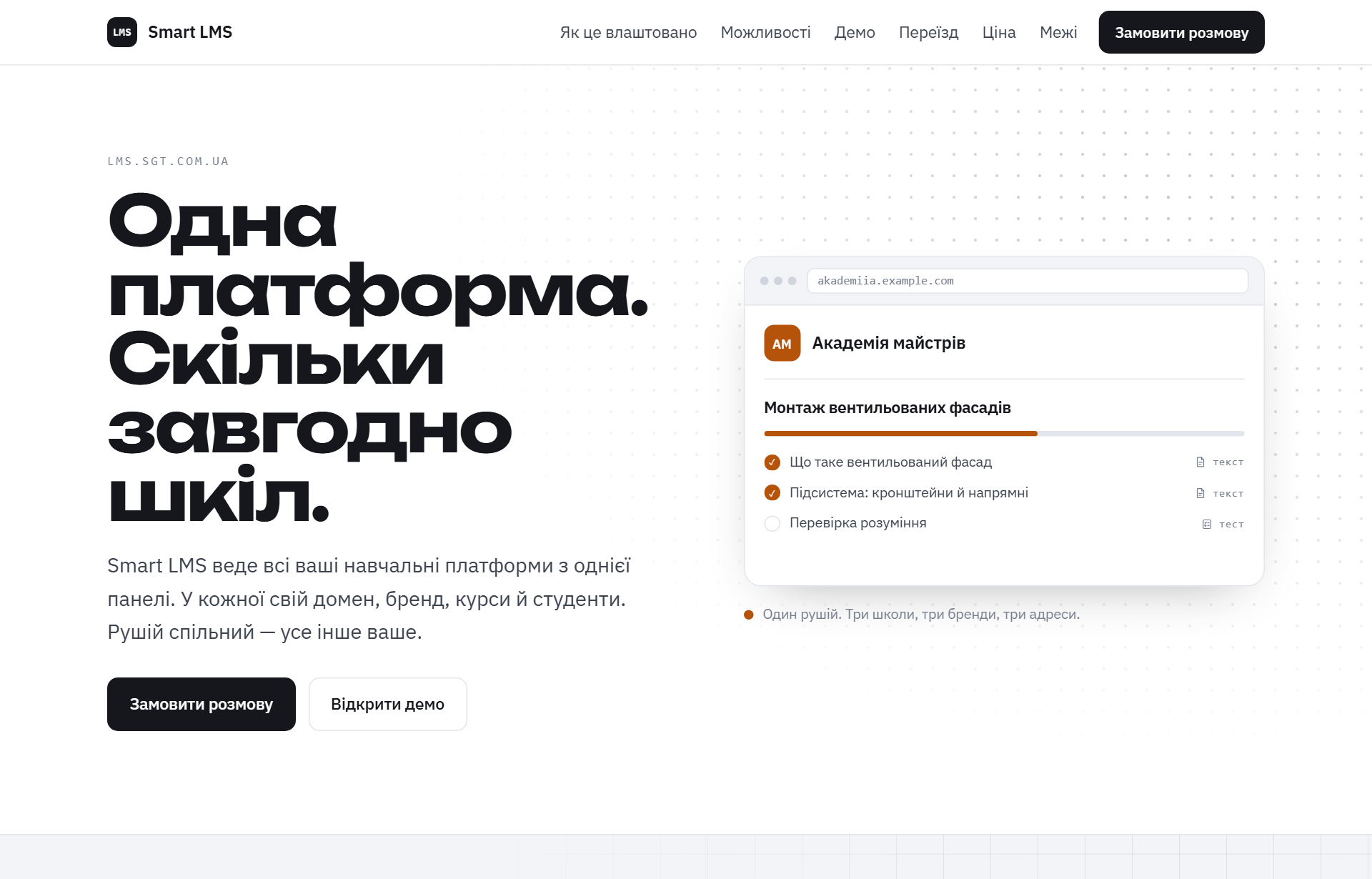
Fig. 1. The home page of lms.sgt.com.ua: the first screen with a card that changes into the school's brand.
Why another LMS
Most organizations that teach people run into the same problem. Courses live on one site, students on another, tests in a third-party service, and certificates are put together by hand. When there are several schools, all of this multiplies.
Smart LMS is built around a different idea: one installation, many schools. Each school has its own address, its own brand and its own students, while all of them are managed from a single panel. A person can be a teacher in one school and a student in another, and does not need two accounts for that.
Functionally, the platform builds on the experience of Tutor LMS, but it is written from scratch, on our own architecture proven in Smart CMS.
What it can do
Learning
- Courses with sections and lessons of five types: text, video, file, test, assignment.
- Simple text formatting tools without a visual editor: headings, lists, bold text, links.
- Course covers and handout materials that are uploaded straight into the platform.
- Gradual release of lessons: in sequence, by the number of days since enrollment, or by calendar date.
- Prerequisite courses: the next one opens after the previous one is completed.
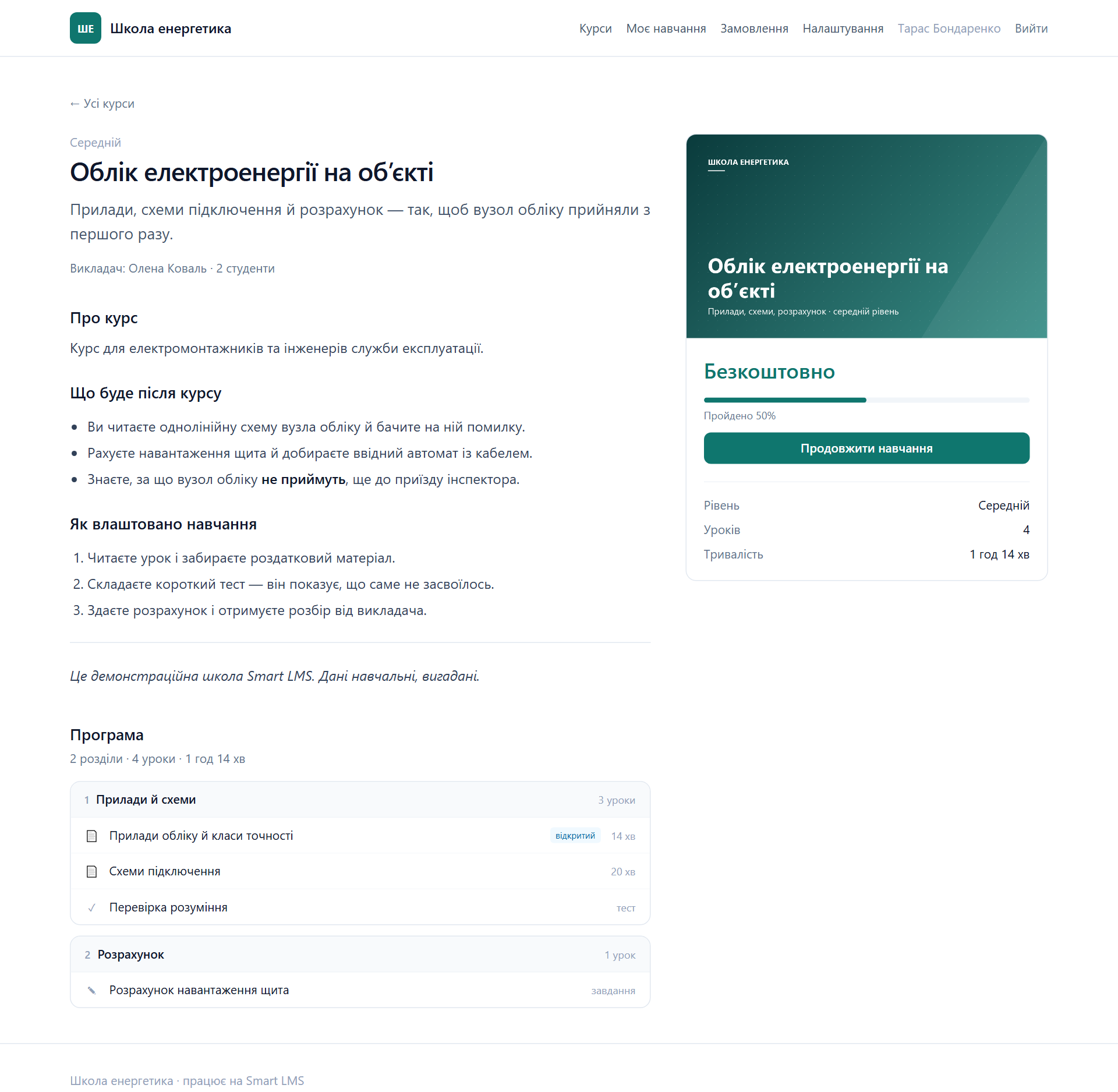
Fig. 2. A course page in “Shkola enerhetyka”: a description with markup, the program, the cover, the enrollment entry point.
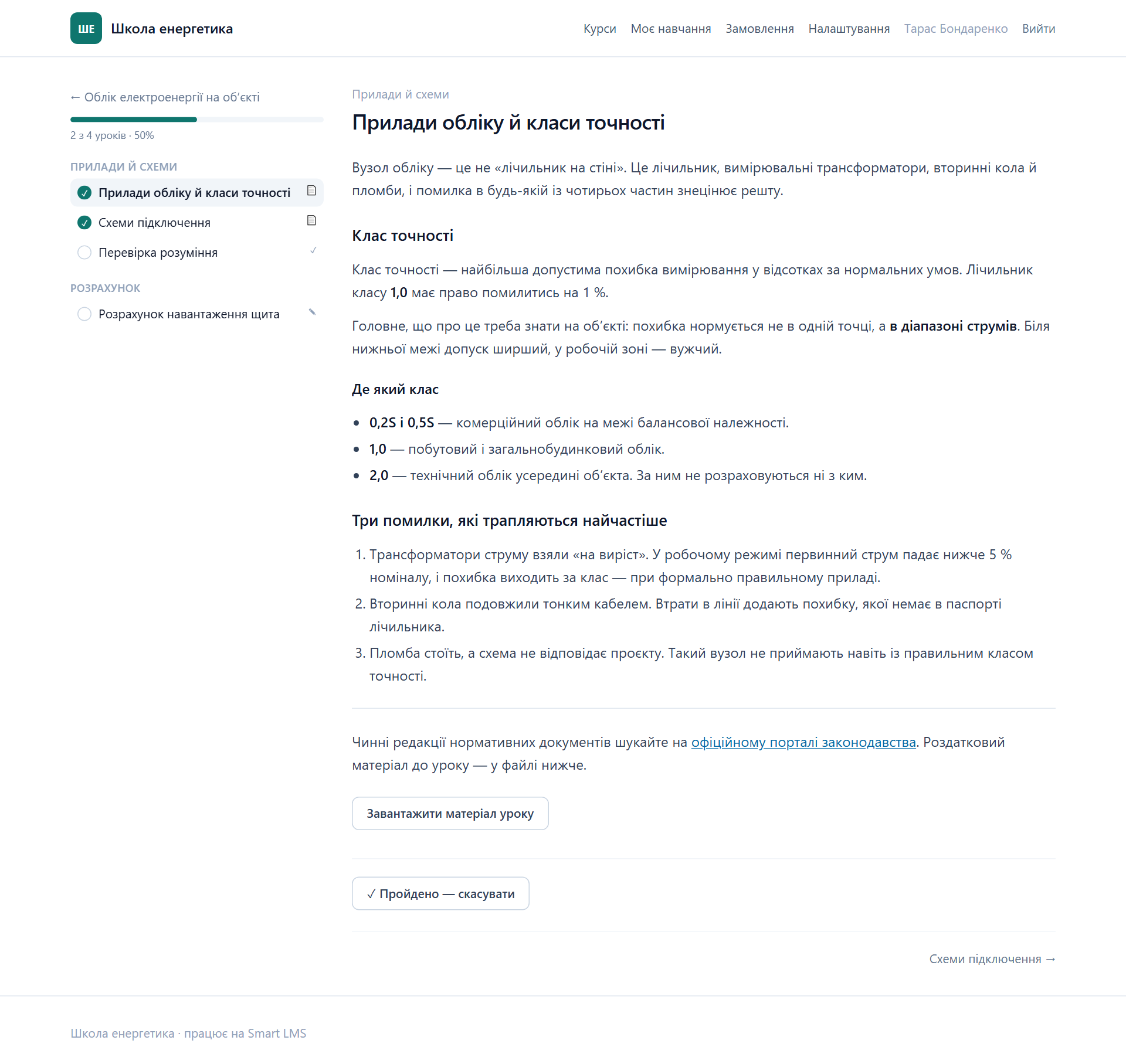
Fig. 3. A lesson in the student player: headings, lists and links, progress and downloadable material.
Knowledge assessment
- Eight question types: from choosing an answer to matching, ordering and fill-in-the-blank gaps in text.
- Partial credit, a penalty for a wrong answer, a time limit, a limit on the number of attempts, a random selection of questions from a pool.
- Assignments reviewed by a teacher: the student attaches files to the work (up to five), and the teacher gives a grade and writes feedback.
- The correct answers do not reach the browser until the test is finished.
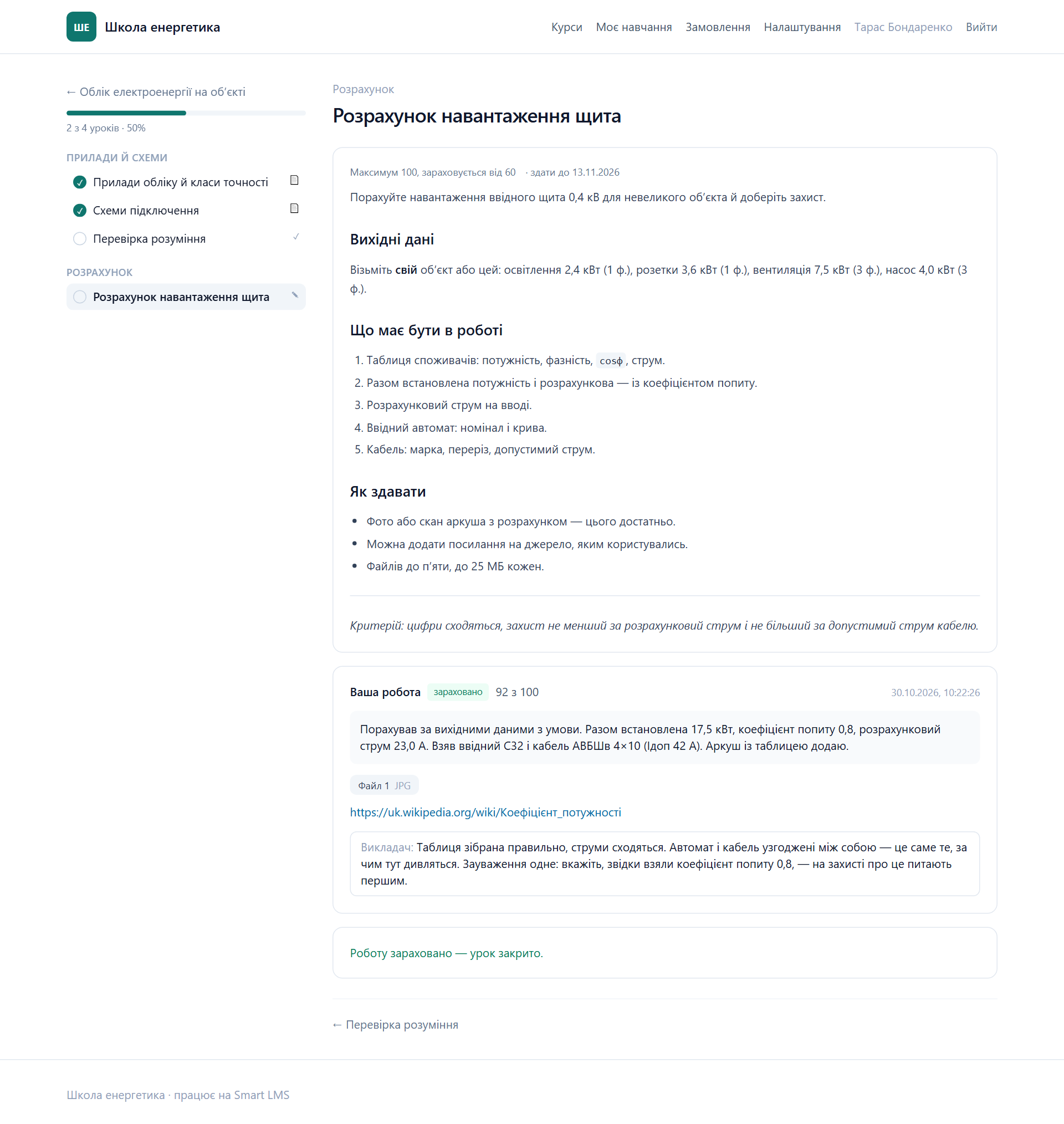
Fig. 4. An assignment with a submitted work: the student's file, the grade and the teacher's feedback.
Certificates and records
- A personalized certificate with a number, issued automatically after the course is completed.
- The progress of each student, manual enrollment in a course, a limit on the access period.
Selling access
- Orders, coupons (a percentage or an amount, limits and a validity window), refunds with access being closed.
For those who manage several schools
- A separate domain for each school.
- Roles: owner, administrator, teacher, student.
- Separate modules that are switched on for each school individually.
Two schools you can enter right now
So that the platform does not have to be taken on faith, we have opened two demo schools. “Shkola enerhetyka” teaches electricity metering and switchboard assembly: it has a course with a PDF handout, a test and an assignment, a paid course with a coupon, and a submitted work with the teacher's grade. “Shkola pidpryiemtsia” shows a short course on a Telegram bot for small business.
A login for viewing as a student is published in the “Demo” block on lms.sgt.com.ua. This is a shared training account, so do not enter anything personal in it.
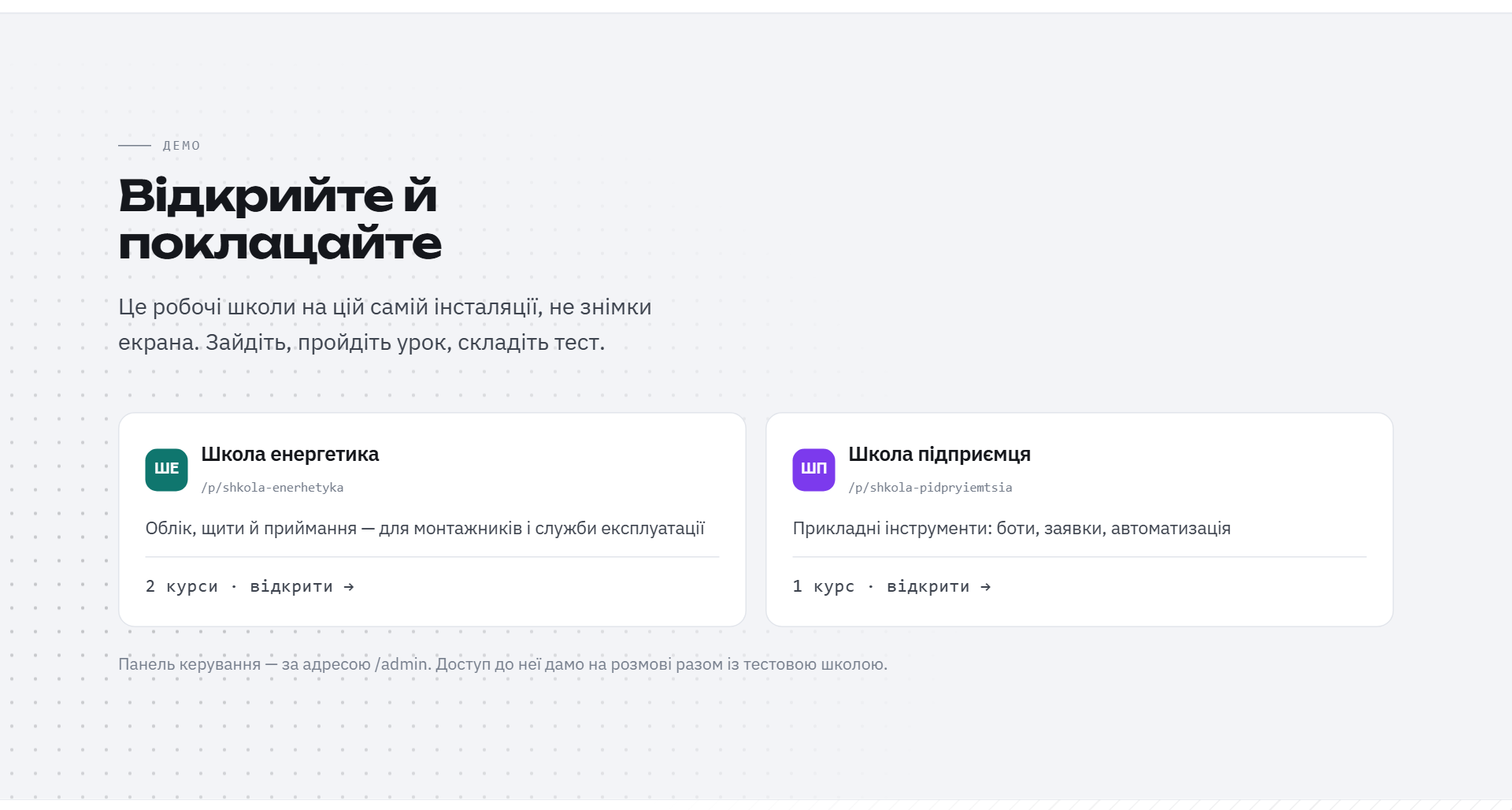
Fig. 5. The “Demo” block on the landing page: two sample schools with different icons and numbers of courses.
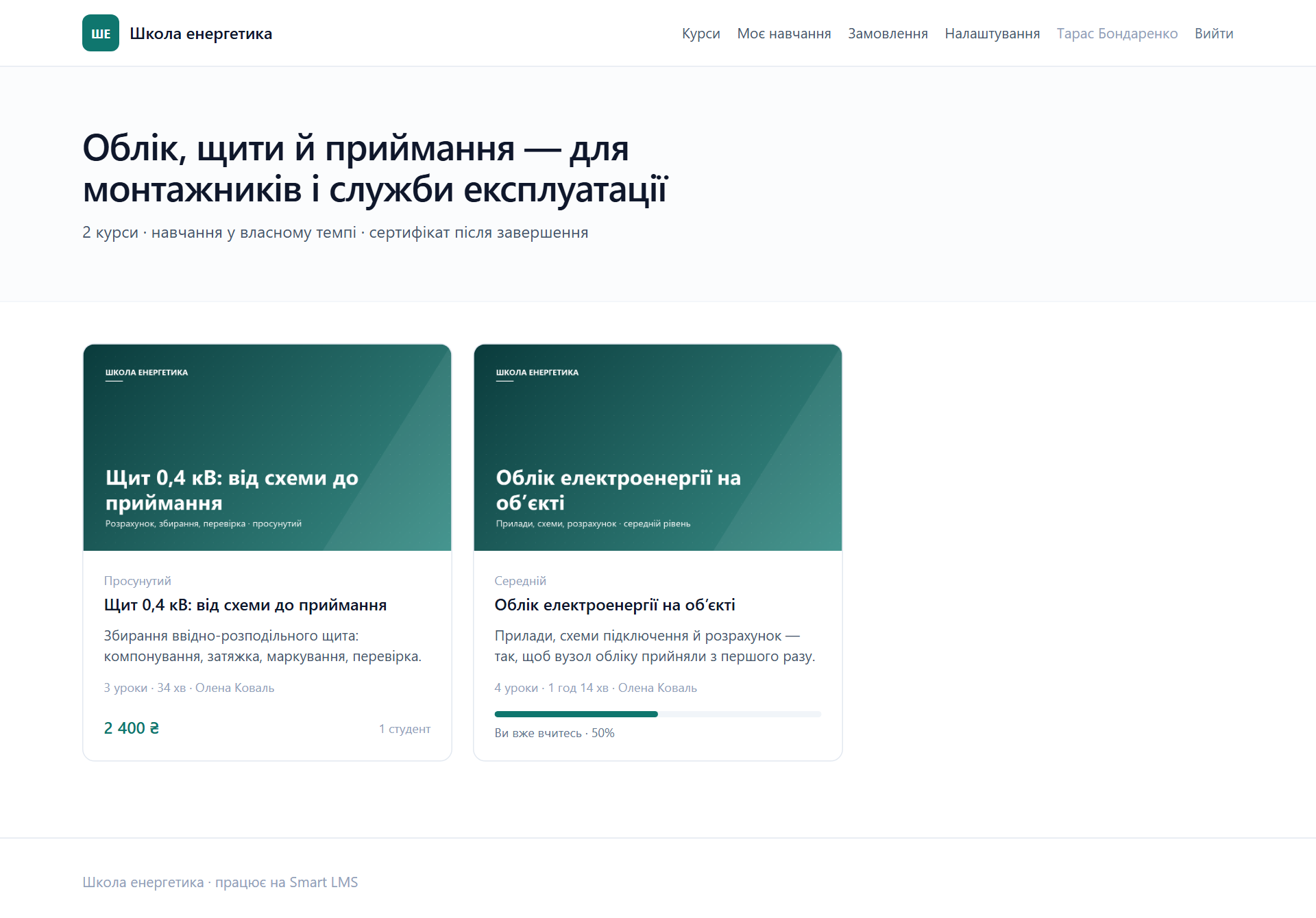
Fig. 6. The catalog of “Shkola enerhetyka”: courses with covers, price and number of lessons.
How we verify it
The platform is built into a container and passes automated checks before every release: types and linters, the rules for scoring tests and calculating prices, a search for vulnerabilities in dependencies, and more than one hundred and sixty smoke tests on a real image with a clean database. We also verify the key rules by deliberately breaking the code: if no check catches a broken rule, that check is worthless.
That is why we can say honestly what the platform does not do yet.
What is not there yet
- Online payments. There is no payment acquiring yet; the administrator confirms payment manually.
- Video uploads. Video is added by link: files of hundreds of megabytes should not go through the application.
- A shared media library, from which a previously uploaded file can be chosen again.
- Subscriptions and course bundles. They are in the queue.
- Emails to students in full. The mechanism for event-based emails (enrollment, completion, a reviewed work) is ready, and connecting mail on the production server is still in progress.
We believe that the limits of a product should be discussed in the release text, not after the customer runs into them.
How to get started
Smart LMS is set up turnkey: SmartGT deploys the platform, migrates existing courses and students (including from Moodle and Tutor LMS) and configures the school to your brand. Indicative rates and the list of what can be migrated are collected at lms.sgt.com.ua. To take part in the programme of the Veterans Cluster's AI Incubator, submit an application at veterano.info/ai-inkubator: we will get in touch within a day and hold a free 30-minute consultation.
SmartGT: automation, websites and learning platforms. info@sgt.com.ua · sgt.com.ua
The AI Incubator is an initiative of the public union “Veterans Cluster of Ukraine”.